
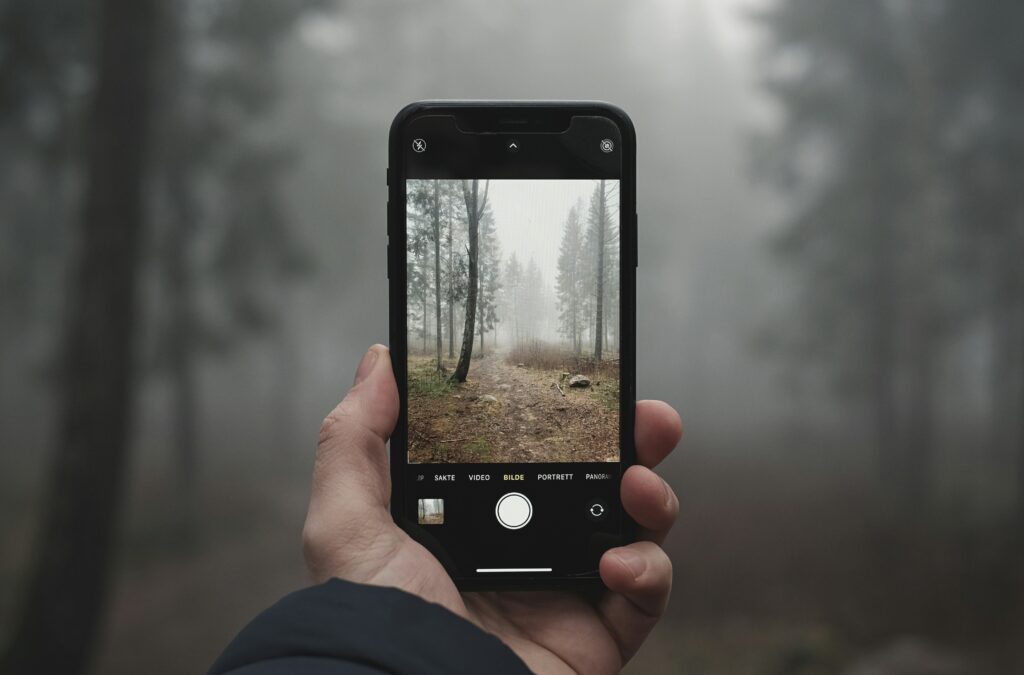
Few things are more frustrating than capturing what feels like the perfect moment, only to discover later that the photo came out blurry. Maybe the lighting was too dark, your hand moved slightly, or the camera focused on the background instead of the subject. Whatever the reason, blurry photos happen to everyone.
For a long time, fixing those images required complicated software and hours of editing. Most people simply accepted that blurry pictures were unusable. But modern editing technology has changed that completely. Today, restoring clarity is faster, simpler, and far more accessible than most people realize.
One of the easiest ways to improve photo sharpness is to unblur image files using intelligent enhancement tools that restore detail, improve focus, and make visuals look cleaner without requiring advanced editing skills.
Why Images Become Blurry So Often
Even high-quality smartphones and cameras can produce blurry images under certain conditions. Most of the time, the issue comes down to everyday situations rather than poor photography.
Movement During Capture
A tiny shake while taking the photo can soften details instantly.
Low Lighting Conditions
Dark environments force cameras to adjust settings in ways that often reduce sharpness.
Focus Errors
Sometimes cameras lock onto the wrong object, leaving the main subject unclear.
Compression From Apps
Photos shared through social media or messaging platforms often lose quality automatically.
These issues are extremely common, especially when taking spontaneous photos quickly.
Why Sharp Images Matter Online
Image quality affects far more than appearance. In many cases, it shapes how people respond emotionally to content.
Clear visuals help:
- Build trust online
- Improve social media engagement
- Make products look more professional
- Create stronger first impressions
- Increase content credibility
Whether you’re running a business, building a personal brand, or simply sharing memories, image clarity influences how your content is perceived.
How Modern Unblurring Technology Works
Older photo editing tools often relied on aggressive sharpening effects that made images look artificial. Modern enhancement tools work differently.
Instead of applying the same effect everywhere, they analyze the image intelligently and identify areas that need correction.
Most tools can:
- Restore edge definition
- Improve texture detail
- Reduce softness naturally
- Enhance contrast and clarity
- Recover visual sharpness without overediting
The result feels more polished while still looking realistic.
Real-World Situations Where Image Restoration Helps
Photo enhancement is useful in more situations than most people expect.
Family Photos
Old memories often exist in imperfect image quality. Restoring them can make treasured moments feel alive again.
Travel Pictures
Sometimes the best travel moments happen unexpectedly, leaving no time for perfect camera settings.
E-Commerce Photography
Sharp product images increase buyer confidence and improve online presentation.
Social Media Content
Clear visuals stand out faster and tend to perform better in crowded feeds.
Professional Branding
Headshots and portfolio visuals look more polished when clarity and detail are improved.
In many cases, restoring sharpness can completely change how usable a photo becomes.
Easy Ways to Reduce Blur Before Taking Photos
While enhancement tools are powerful, capturing better original images always helps.
Use Stable Positioning
Holding the camera steady dramatically improves sharpness.
Take Advantage of Natural Light
Bright environments help cameras capture cleaner details.
Tap the Subject to Focus
Smartphones allow manual focus selection, which improves clarity significantly.
Avoid Heavy Zoom
Digital zoom reduces image quality and increases blur risk.
Capture Multiple Versions
Taking several shots increases the chance of getting a perfectly sharp image.
These habits are simple but highly effective.
Why Subtle Editing Produces Better Results
One of the biggest mistakes in image editing is over-processing. Excessive sharpening can create unnatural textures and harsh edges.
The best enhancements usually:
- Preserve realistic detail
- Improve clarity gradually
- Maintain natural skin textures
- Avoid extreme contrast
Strong editing should improve the image quietly rather than making it look obviously edited.
The Growing Impact of AI in Photo Enhancement
Artificial intelligence has transformed image restoration tools dramatically. Instead of simply sharpening pixels, modern systems can now identify blur patterns and reconstruct details intelligently.
This allows users to:
- Improve old or compressed photos
- Restore slightly out-of-focus images
- Enhance smartphone pictures quickly
- Upgrade low-quality visuals for professional use
As technology continues to improve, high-quality editing is becoming accessible to almost everyone.
When Saving a Blurry Photo Is Worth It
Not every blurry image deserves to be deleted. Sometimes the emotional value or uniqueness of the moment matters far more than technical perfection.
A slightly blurry image may still capture:
- A meaningful memory
- A rare candid moment
- A special event
- An irreplaceable travel experience
- A perfect emotional expression
With modern enhancement tools, many of these images can become surprisingly sharp and usable again.
Conclusion
Blurry photos are incredibly common, but they no longer have to mean losing a valuable moment or piece of content. Today’s enhancement technology makes it possible to restore clarity quickly and naturally without complicated editing skills.
Whether you’re improving family memories, upgrading professional visuals, or creating stronger online content, sharper images help your photos feel more engaging, polished, and impactful.